
Your Designer Profile & Member ID
Your DSA Professional Profile connects your Find a Designer listing and DSA Member ID through one account.
Find a Designer Map
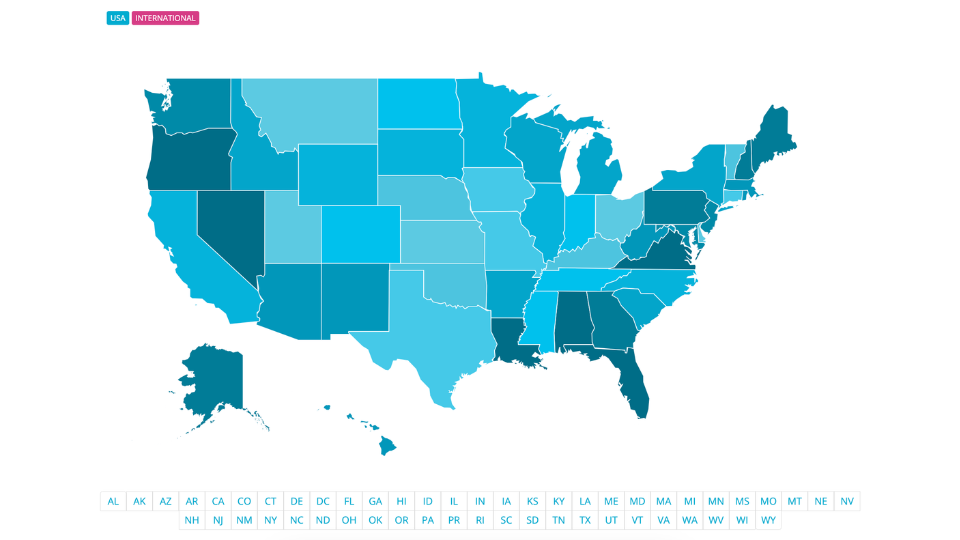
Help potential clients discover you through the DSA Find a Designer map. Your listing showcases your professional presence and helps connect you with people looking for an interior designer.
DSA Member ID

Use your DSA Member ID as professional identification when applying for trade access, visiting trade shows, and connecting with industry resources and opportunities.
Your Find a Designer listing and DSA Member ID are connected within your profile.
How to Access Your Profile:
Your profile access depends on when you joined DSA. Select the option below that corresponds with your membership start date.
Existing Profiles
Members that joined DSA before October 2026
Use the email address and password associated with your original DSA profile.
New Profiles
Members that joined DSA October 2026 or later
Your membership uses our updated account system. You will need to set up your profile.
Once You Access Your Profile:
Once you are logged in, be sure to complete the My Info and Headshot tabs to the best of your ability. The information you provide helps create your professional presence within DSA and gives potential clients and members of the design community a better understanding of who you are and what you offer.
Take a few minutes to:
- Complete all applicable information in the My Info tab
- Upload a professional, current headshot
- Review your information for accuracy
- Provide as much relevant information as possible to create a complete and compelling profile
- Visit the Member Card tab to download your official DSA membership card
The more complete your profile, the better you can represent your professional experience and presence within the DSA community.
Need Help?
If you are unsure which option to select or need assistance accessing your DSA profile, our team is happy to help. Please reach out at support@dsasociety.org.